 Introduction To General Ledger
 | AP | AR | GL | FA | IC | OP | PO | JC | Retail Sales | Work Orders | Bill Of Materials | Service Repair | Service RMA | Sales Analysis | System Utilities | MBS HOME |
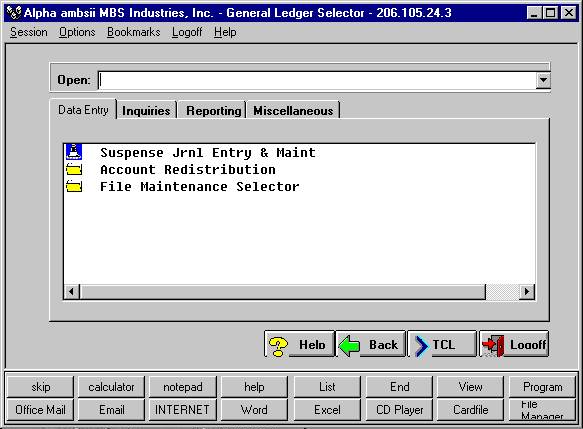
Introduction To General Ledger When Profi'C updates transactions such as sales invoices or Accounts Receivable Cash Receipts, an automatic Suspense Journal Entry is made into the General Ledger module. The entry made is a standard accounting entry with a debit and credit to one or many account numbers. The account numbers used by the system are determined by your company's Chart of Accounts and which accounts are placed in a "Control" File.
There are main Control Files and several subsidiary files the system will use to determine a journal entry. The system requires a minimum of at least one of these be entered, and depending on the complexity of your company, you may require all of the Control Files be entered.
The Control Files are: Company Control (Control File Maintenance), Division Control File, and Sales Control Interface File. The Company Control File is the default control file for the entire company and should always be entered. It also contains information pertaining to fiscal years, number of periods in the year, and the current month and batch numbers to use. The Division Control File contains the account numbers to use for each division and the Sales Control File contains the account numbers for posting sales by inventory class and division. If your company does not post journals by division, you do not need to enter the Division Control File. The same is true for the Sales Control File.